
Packet Tracer Labs
Here, You Can Find Cisco Packet Tracer Configurations of Various Network Protocols on Different Network Topologies.
These Configurations are Also used on CCNA 200-301 Labs Course, CCNP ENCOR Labs Course, Cisco Hand on Course with Packet Tracer on IPCisco and Cisco CCNA 200-301 Configuration Labs Course on Udemy.
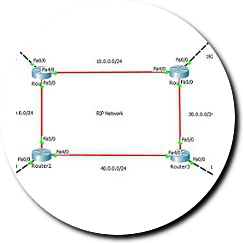
RIP Configuration
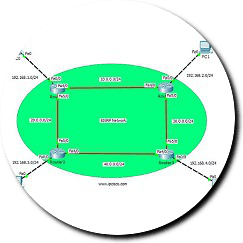
EIGRP Configuration
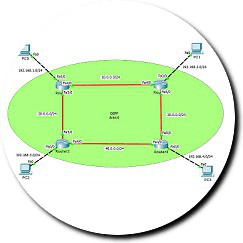
Single Area OSPF Config
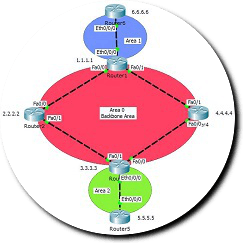
Multi Area OSPF Config
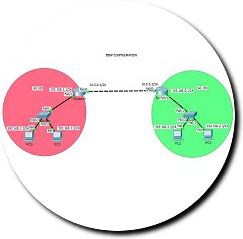
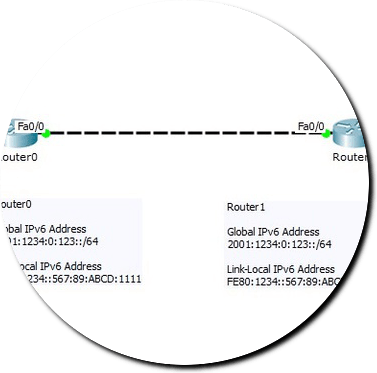
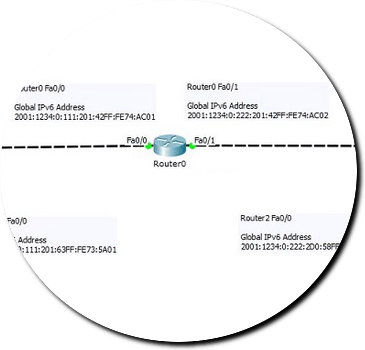
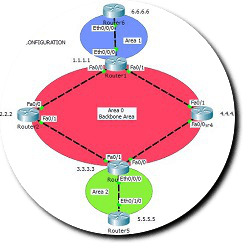
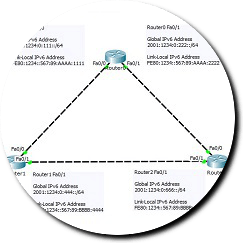
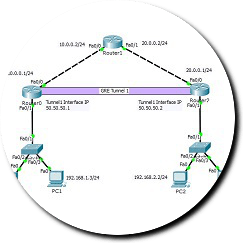
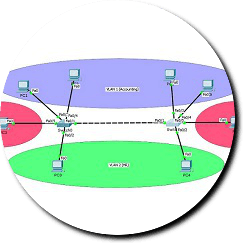
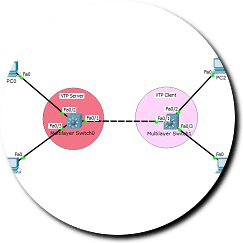
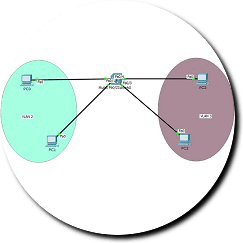
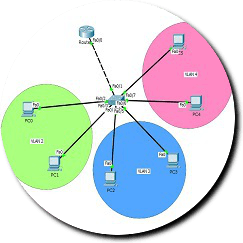
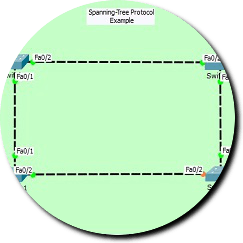
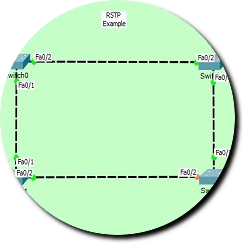
RSTP Configuration
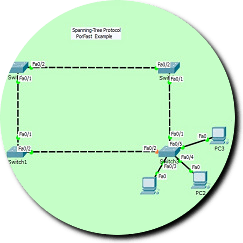
STP Portfast Configuration
Standard ACL Configuration
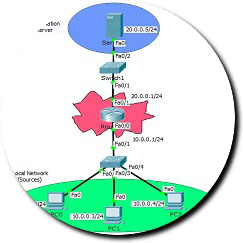
Extended ACL Configuration
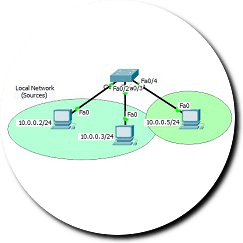
DHCP Configuration
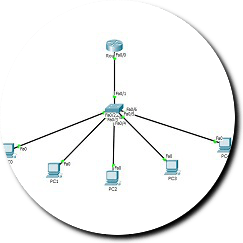
DHCP MD Configuration
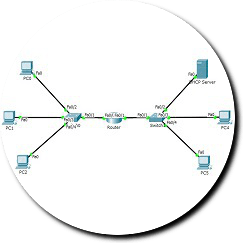
Static NAT Configuration
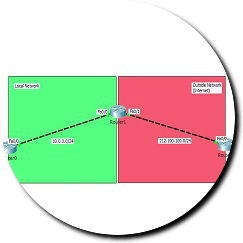
Dynamic NAT Configuration
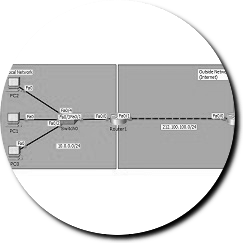
PAT Configuration
CDP Configuration
Port Security Configuration
PPP-HDLC Configuration
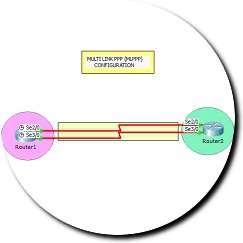
MLPPP Configuration
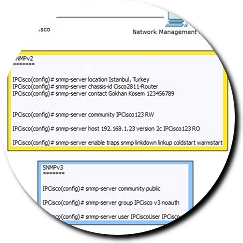
SNMPv2v3 Configuration
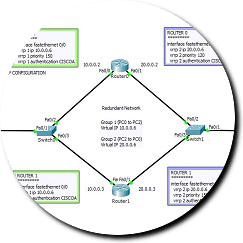
HSRP Configuration
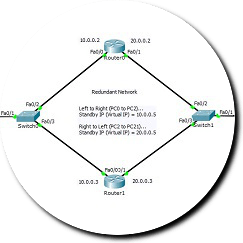
VRRP Configuration
Subnetting Configuration
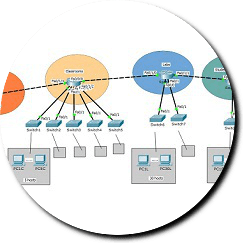
Syslog Configuration
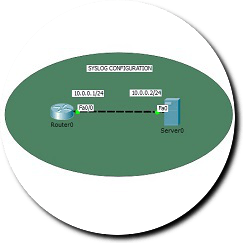
Verification Commands
WLAN Configuration
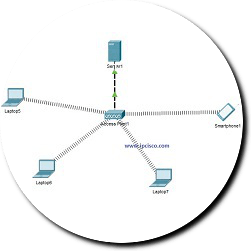
RADIUS Configuration
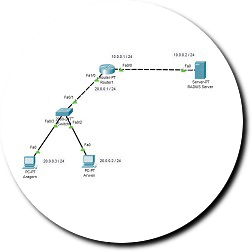
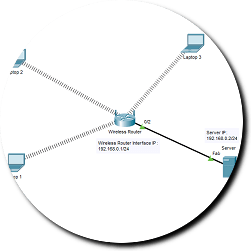
RADIUS Wireless
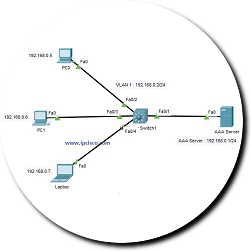
TACACS+ Configuration
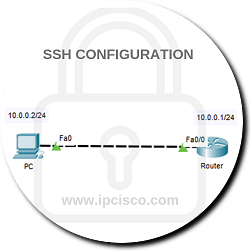
SSH Configuration
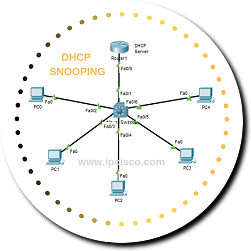
DHCP Snooping
IPv6 2. Configuration
Config Register
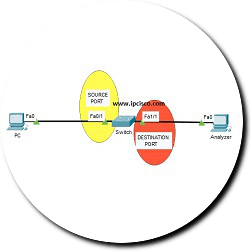
Local SPAN Configuration
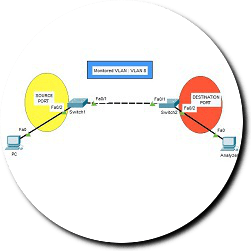
Remote SPAN Config

In this page you will find a lot of Cisco Labs that has been prepared by IPCisco.com. There are many common and new topologies for many different network protocols. All of these Configuration Labs are for You! You can download these Packet Tracer Labs with “.pkt” format and then you can use these lab topologies and configurations for your certification studies. You can open the files in your pc and you can start to practice on these excellent network topologies. You can use these Cisco Lab files for all your Cisco Certifications especially for CCT, CCNA, CCNP (CCNP ENCOR, CCNP ENARSI) and CCIE Enterprise.
To gain more experience on Cisco CLI, Cisco Packet Tracer is the best tool especially for the beginners and the intermediate level. Because it is easy to use and very user friendly. You can reach many Cisco commands of the real routers. There can be some limitations because of the fact that at the end of the day it is a simulator. But thsese Cisco commands will be enough for many of your Cisco certification practice scenarios.
Basically we can divide the Packet Tracer Labs on IPCisco.com into four. These lab categories are given below:
- Labs for CCT R&S
- Labs for CCNA
- Labs for CCNP Enterprise
- Labs for CCIE Enterprise Infrastruture
Labs CCT R&S
CCT R&S is the beginner certification of a network technician. As a network technician you can use Cisco Packet Tracer to gain hands on experience on Cisco CLI. You can practice on Cisco Routers, Cisco Swithes and other network equipments. You can build your own topology by connectiong different network equipments.
There are a lot of lessons and labs on IPCisco.com for within Packet Tracer Labs CCT R&S. You can download the lab files with “.pkt” format and start to study for your CCT R&S certification on your own pc.
Cisco Packet Tracer Labs CCNA
CCNA is the most known beginning network certification. With CCNA, you will learn the fundamentals of networks and you will gain hands on experience on Cisco CLI before the CCNA exams. Cisco Packet Tracer is a nice tool for CCNA exam lab trainings. In IPCisco.com, there are many Packet Tracer CCNA labs. You can download these CCNA Labs and then you can practice on them on your own pc.
There are a lot of CCNA related labs on this pages and on the related courses of IPCisco.com. So, for CCNA practice, these labs are very important.Youn can download each of these labs and then open these labs on your computer. You can both work on these files or you can build a similar topology by the help of these files.
Packet Tracer Labs CCNP Enterprise
At the beginning Packet Tracer were known as a beginner tool and it was used for CCNA Studies. But after the enhancements, its commands were increased and new devices has added. For many CCNP lab scenario (CCNP ENCOR, CCNP ENARSI), you can use this amazing Cisco Simulator and you can practice with the lessons about CCNP on ipcisco.com.
Especially with the new enhancements, Packet Tracer become an important simulator for Cisco Specialist and CCNP studies. You can practice for your CCNP Specialist exam and CCNP exam. You can gain a perfect hands on experience on cisco network devices with it.
Labs CCIE Enterprise Infrastructure
CCIE need more practice. During these CCIE Enterprise Infrastructure Practices you will benefit from many simulations and emulations beside real routers. Packet Tracer is also a nice tool to practice your scenarios. For a CCIE candidate, it can seem a little simple. But in real, this simulation program is very strong and you can practice many lab scenarios and commands on this network simulator.
Packet Tracer Download
At the beginning, as a network engineer I have remembered that I was searching as “packet tracer dowload free”, “cisco packet tracer download free” etc. I am sure that you did this also. But downloading it is not difficult. It is free and you can download it here. After download, you can easily install this software and start to workby building different network topologies on the program.
Cisco Packet Tracer Tutorial
To learn this Cisco Network Simulator, you can use a tutorial or you can learn on itself. There is also a “Cisco Packet Tracer How to Guide” course on ipcisco.com. You can learn how to use it with this basic course, you can practice simple network topologies and Cisco CLI on routers, swithes and other network equipments.
Each Packet Tracer Lab on IPCisco.com is like a step by step guide for any network protocol. You can learn the network protocols and then practice the configuration with this excellent lab page. With these perfect configuration labs, you will be readyboth for your operational works and your certification exams.
17 Comments
What is fee of paid services
It is one click away from you Shivnath :)
Some files are not downloadable. Links are not accessible. e.g. VTP configuration, RSTP configuration. Thanks!
All the files are only available for Silver and Gol Members Nafis ;) Without membership, there is limited access.
I want to learn networking of ccna
You are always welcome to our CCNA Courses Alishah ;)
so, how can i become a silver or a gold membership? what i must to do?
Hi Gio, you can clicj Sign Up above and you can register there;)
thank you in advance
how can i access all ccna
You can access CCNa content with memberships Khamxay.
Its very interesting site. So i am eagerly reacted to be amember of it.
Thank you very much
Thank you very much Sefudin!You are always welcome:)
Need your materia for CCNA certification exams
Always welcome Ogbuehi;)
Good formation
thank you very much:)